Pro Tips
March 13, 2026
Pro Tip: How To Bulk Unflag Flagged Orders
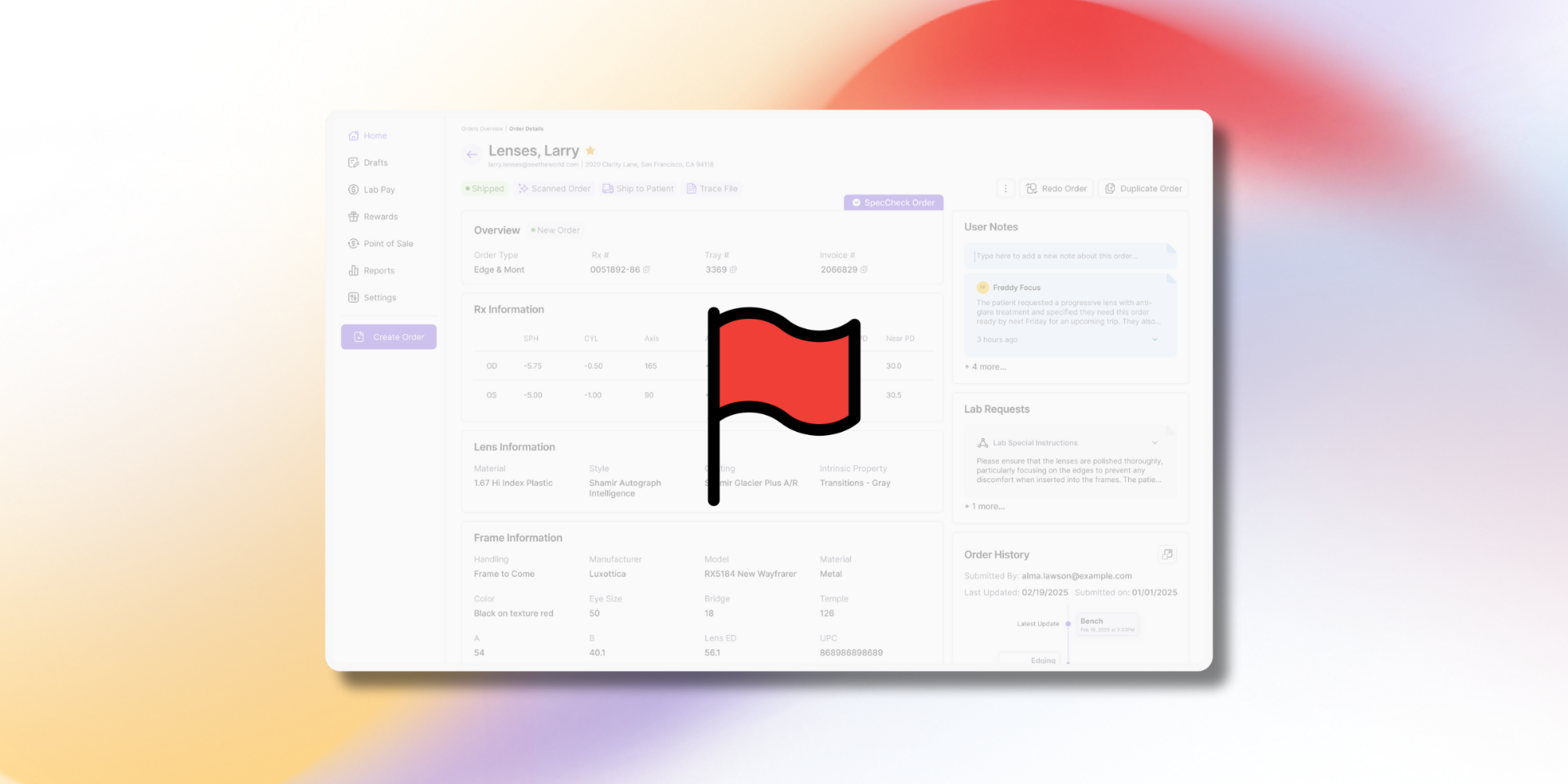
One of the biggest time-savers in Pro is Flagged Orders. Instead of digging through your dashboard to find jobs that may be delayed, the Flagged Orders feature highlights potential issues for you, so you can address them before a patient calls asking for an update. 🚩
If you recently upgraded, you might notice several orders already flagged. That’s because Pro automatically reviews both current and past orders when it turns on. To clear the clutter and start with a clean slate, do the following:
- Log in to your account.
- Click More Options next to the "Flagged" filter button.
- Click Unflag all terminal orders.
With one click, the system will automatically remove the flags from any jobs that are already shipped (or canceled), leaving you with only the active, current jobs that actually need your attention.
.png)